
AI · 8 min read
Data for AI · Part 1
If you can't sound creepy, you have a tagging problem
AI can now write a personal email for every person who visits your site. Whether it should is a judgement call. But if it can't even write the creepy version, the problem isn't your ethics. It's your data.
In short If AI can't write a creepy email from your customer data, your tagging and identity aren't joined up, so you can't personalise usefully either. Get the tagging right, then only say back what people expect you to know, and use everything else to decide what to send, not to quote.

- Published
Key takeaways
- If AI can't write a creepy email from your data, your tagging and identity resolution aren't joined up, so you can't personalise usefully either.
- Sort your data into given, observed and inferred. Only say back what was given, or what people knowingly did.
- Use behavioural data to decide which version, timing, offer and next step, never to quote back at people.
- A workable setup is small: consistent event names, a user ID on sign-in, source capture, a visit log you own, and consent.
- AI removed the effort cap on personalisation. Judgement is the cap now.
Do brands really know so little about their consumers?
A lot of brands and business owners say they don't know much about their consumers. Really?
It's either you screwed up your tagging, or you're not looking at what you already have.
Most of them already have the signals. Every visit, click, sign-up and purchase leaves a trace on a website, an app, an ad platform or a CRM. What they're missing usually isn't data. It's the joining up: the same person recorded the same way across every touchpoint, so the traces add up to someone you actually know.
Where does this come from?
A big part of my Coke days as the head of digital strategy was to figure out how to use first-party data. Galina, Josefine and I often went down major rabbit holes explaining and talking about how we tag consumers and track behaviour and enable 1PD.
We boiled it down to what we called the 12 attributes: the 12 key things about a consumer that actually move the needle for a brand. Not hundreds of data points. Twelve. Every tag, every campaign and every data source had one job: to tell us something about one of those twelve.
Those conversations kept arriving at the same place. The hard part was never having data. Every large brand has plenty. The hard part was tagging: making sure every touchpoint recorded the same things, in the same way, against the same person. Without that, you have lots of data and very little you can act on.
For years that plumbing was the bottleneck. It took teams, agencies and long projects. Now AI can help a small business set it up in days and then write to every customer individually. Which means the question we used to debate in those rabbit holes is everyone's question now.
Why is "can you sound creepy?" a useful test?
Because the creepy email is the proof that your data works.
This week we followed up the people who had signed up for our Shelf Test. The obvious AI-written version was this:
"Hi Sam, I saw you found us through a Google search on your iPhone in Melbourne, spent 6 minutes on the Shelf Test, then read our pricing page…"
(Sam is made up. So is everything about Sam.)
To write that sentence, a system has to know where a visitor came from, what device they used, roughly where they were, what they did and what they read next, and it has to know all of that belongs to the person who later signed up as Sam. That last part is the hard bit. It's called identity resolution, and it's where most setups break.
So try it. Ask an AI to write the creepiest possible email to one of your customers, using only your own data. If it can't, because the visits aren't linked to the sign-up, or the source wasn't captured, or the events have five different names, then you couldn't write the useful version either. You can't choose the right email for someone you can't recognise.
If you can't sound creepy, you're not personalised enough. Or something's wrong with your tagging.
What kinds of data are there, and what can you say back?
A simple way to think about it is three tiers.
| Tier | What it is | Shelf Test example | OK to say back? |
|---|---|---|---|
| Given | What they told you | Sam's name, email, and that Sam signed up for the Shelf Test | Yes. They gave it to you for this purpose. |
| Observed | What they did on your site | Sam ran a test, came via Google, used an iPhone, read the pricing page | Only what they'd knowingly expect you to see: "you tried the Shelf Test". Not how they found you, what device, or which pages they read. |
| Inferred | What you guessed | Sam might be weighing up a paid plan; Sam is probably in Melbourne | No. Use it to decide, never to state. A wrong guess is awkward; a right one is worse. |
Inferred data is still gold, as long as you use it quietly. One of the best sources is your ads. Tag every ad separately, and you can tell what a person cares about from the one they clicked. Run three ads for the same product, one on price, one on design, one on sustainability, and the ad someone came in from is a strong hint of their preference. You never say "we know you care about price". You simply lead with price.
So the email we sent used only the given tier and the most obvious bit of the observed tier:
"Thanks for signing up for the Shelf Test. Did you get a chance to try it? Were there any blockers we could help with?"
Still personal. Not creepy.

How do you become creepy?
- Tag and UTM all your links. You'll be amazed how many organisations don't.
- Tag every page and every key action (sign-up, add to cart, ran a test) with one naming convention. Not "signup", "SignUp" and "sign_up_v2".
- Give every person one ID. Link their anonymous visits to the moment they sign up or log in. No ID, no story.
- Capture the source and keep it with the person: where they first came from, and what brought them back.
- Keep it in one place you own. One database, not five dashboards that don't talk to each other.
- Get consent, and let people opt out. Creepy-capable, not creepy.
- Connect AI to your analytics.
- Test it: ask AI to write the creepiest email it can about one customer. If it can't, go back to step 1.
Then don't send it.
How does the tagging actually work?
Here's what a workable setup looks like, using ours as the example, described generally.
- A page-view event on every page. A small script runs on each page and records which page it was, the referrer (the site that sent the visitor), the UTM source, medium and campaign if the link had them, a session ID, a coarse location from the network, and the type of device.
- Named events for the actions that matter. Not just page views, but things like "signed up", "ran a test", "viewed results" and "asked for a review". These are what tell you whether someone actually used the product.
- One naming convention. "signed_up" everywhere, never "signup" on one page and "registration" on another. It sounds trivial. It's the most common reason reports don't add up.
- Identity stitching on sign-up or sign-in. Before someone signs up, they're an anonymous session. When they sign up or sign in, those earlier sessions are joined to a known user ID. That one join is what turns a pile of visits into a person's history.
- A visit log you own. The events land in your own database, so you can query them, rather than living only inside someone else's dashboard.
- Consent and an opt-out. People are told what's collected and why, and can say no. Consent and purpose matter under laws like Singapore's PDPA and Europe's GDPR, so it's worth getting proper advice for your own situation.
- Hash what you don't need to read. Personal details like IP addresses are stored only as one-way hashes, so you can tell two visits came from the same place without keeping the address itself.
None of this needs a big team any more. It does need someone to decide the event names once and stick to them.
Part 3 of this series covers what messy data costs in AI tokens: the token cost of messy data.
What analytics does it unlock?
Once the tagging is joined up, a lot of useful questions become easy to answer. A few, with Shelf Test-style examples (illustrative, not real data):
- Channel attribution. Not just which channels bring visitors, but which bring people who actually run a test. Separate UTM short links for a LinkedIn post and its comment, for example, show which one sends people who go on to use the tool. Referrals from AI answers, such as ChatGPT, show up as their own source.
- Funnel and drop-off. Visit → sign-up → sign-in → ran a test. You can see exactly which step loses people.
- Segments. Engaged users versus people who signed in but never tried it. Each group gets a different email.
- Content paths. What people read before they signed up, which tells you which pages are doing the persuading.
- Returning visitors. Recognising someone who comes back, so you don't treat them as a stranger.
- Real-time alerts. A new sign-up or other high-intent action pings a human, who decides whether and how to follow up.
Notice something. This is exactly the data that makes the creepy email possible. It's also exactly the data that lets you pick the right non-creepy one. Tagging gives you the ability. Judgement decides the use.
How do you use data without mentioning it?
Decide, don't quote. Behavioural data should shape what you send without ever appearing in it.
- Which version. Someone who ran a test is asked what they thought of the results. Someone who signed in and left is asked what got in the way. Neither is told how we know.
- Timing. Follow up soon after someone tries the tool, while it's fresh, rather than on a fixed schedule.
- Offer. Someone who has used the tool several times might get an invitation to a fuller review. Someone who hasn't tried it gets help getting started.
- Next best action. Point each person to the one step most likely to help them next, whether that's a guide, a call or simply leaving them alone for now.
The person experiences an email that feels well judged. They never feel watched.
How do you check an AI-written message isn't creepy?
Run these questions on any personalised message before it goes out:
- Would this person expect us to know everything this message mentions?
- Did they give us this information, or did we observe or infer it?
- Does it mention how they found us, their location, their device or the pages they read? If so, take it out.
- If our guess about them is wrong, does the message still make sense?
- Would we be comfortable if they asked, "How do you know that?"
- Would we be happy for them to forward it to a friend?
- Is the data changing what we say, or just being said back to them?
What has AI changed?
Personalisation used to be capped by effort. Writing a different email for every person took time, so nobody wrote a creepy one by accident.
That brake is gone. One prompt can write a thousand individual emails, and it will happily use every detail you give it. The limit has moved from what's possible to what's appropriate, and that's a judgement call AI won't make for you.
Trust is slow to build and quick to lose. One "how did they know that?" can undo a lot of good marketing. The skill isn't collecting the data. It's choosing what not to say.
We could have been creepy. We chose not to.
Want to know where your data stands?
This is the work I do with brands: auditing tagging and UTMs, joining up customer IDs, getting first-party data into one place you own, connecting AI to it, and drawing the line on personalisation so it builds trust instead of breaking it. Whether you're an SME starting from a spreadsheet or an enterprise with five dashboards that don't talk to each other, we start with the creepy test on your own data.
About the author
Kenneth Phua
Founder, Konverta.ai
Kenneth is a Singapore-based digital, data and AI leader with 15+ years of experience, including senior global roles at Coca-Cola, where he was the Global Head of Digital Strategy and Innovation. He has advised C-suite leaders across FMCG, retail, property, hospitality and luxury, and now applies the same playbook to Singaporean and Asian corporates and SMEs through Konverta.ai.
The newsletter
Weekly insights in digital, data and AI.
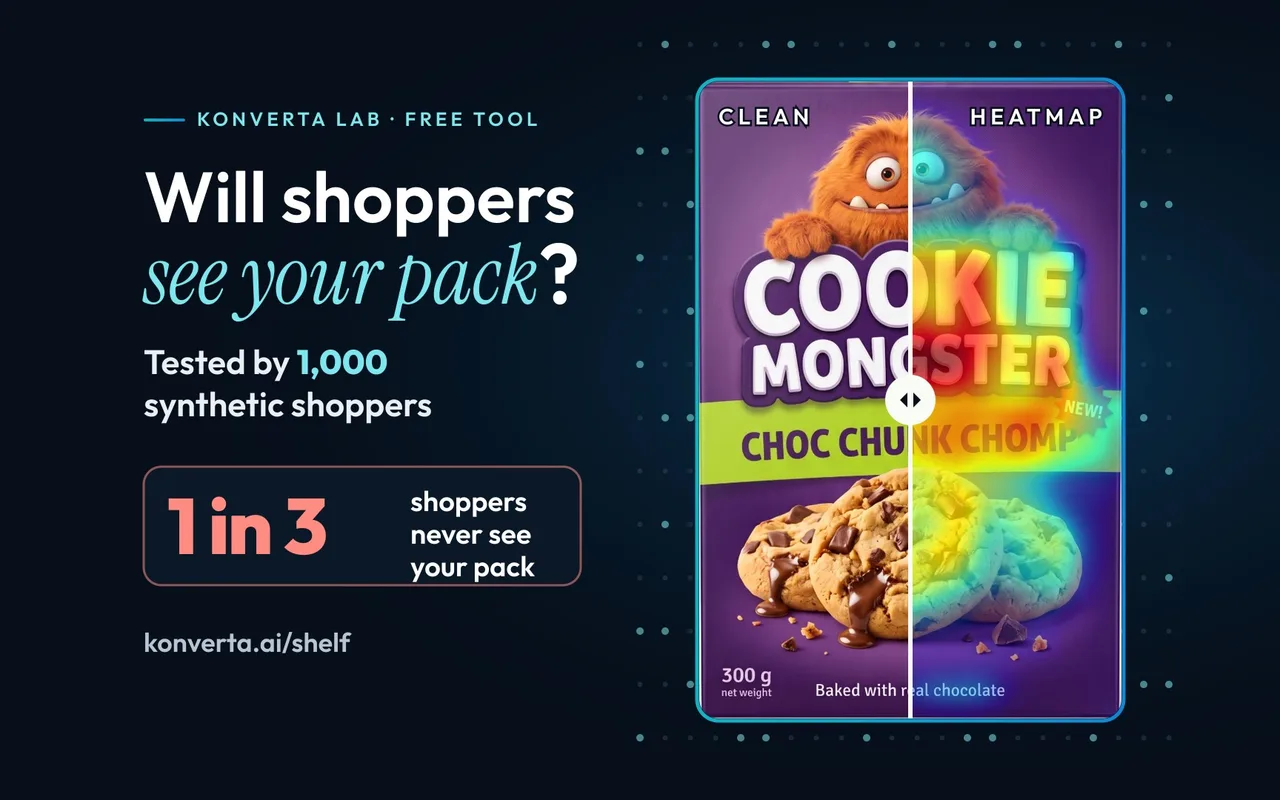
Can 1,000 synthetic shoppers tell you if your pack grabs attention in store?
The Shelf Test from this article: 1,000 synthetic shoppers to test if your pack grabs the right attention in store, free to try.
Next steps
Consulting with Konverta
Run the creepy test on your own data.
Tagging, UTMs, customer IDs, first-party data you own, and AI connected to it. See how we work in consulting.
Prefer a form? Contact us.