
IDstudio guide · 5 min read
AI vs hand drafting vs render tools: three ways to make a client proposal
By hand you draw, model and render everything yourself; in a render tool you build the model from its catalogue; with AI, the layout, model and renders are drafted from the floor plan for you to approve. What each route gives you, what it costs, and who IDstudio is and isn't for.
IDstudio does this for you: it drafts the furnished plan, a SketchUp model and renders of every room from your floor plan, or builds the layout you have already drawn. See AI floor plan to 3D render and SketchUp model from a floor plan.
One full project free: 7 days, trial credits worth US$50, no card needed.

- Published
- Updated
Key takeaways
- By hand, you draw, model and render every view yourself; in a render tool, you build the model from its catalogue and render it; with IDstudio, the AI drafts the plan, the SketchUp model and the renders from the floor plan, and you approve each step.
- Hand drafting gives full control of every line and render tools have large catalogues; AI fits when you want a complete first proposal drafted from the floor plan for you to review.
- IDstudio is for Singapore designers proposing HDB, condo and landed homes; it is not a homeowner app, a submission-drawing tool or for commercial fit-outs.

Short answer: by hand (CAD, SketchUp and rendering) you draw, model and render every view yourself and keep full control of every line; with render-only tools you build the model from a furniture catalogue and render it; with IDstudio the AI drafts the furnished plan, a SketchUp model and photoreal renders from the floor plan and a brief, and you approve each step. Which fits depends on how much of the drafting you want to do yourself.
1. Three routesWhat are the three ways to make a client proposal?
Every Singapore interior designer knows the first meeting: the client brings an HDB sales plan or a condo floor plan and wants to see their home. There are three ways to get from that plan to something you can send.
-
Route 1
By hand
You draw it allCAD, SketchUp, rendering
- Starts from
- A floor plan you redraw in CAD
- Layout and model
- You draw it and model it
- Renders
- Set up and rendered view by view, or outsourced
- Changes
- Redraw, remodel and re-render
- Best when
- You want full control of every line
-
Route 2
Render-only tools
You build the modelFrom the tool's catalogue
- Starts from
- A floor plan you trace or draw in the tool
- Layout and model
- You place furniture from a catalogue; the model is built as you go, in the tool's own format
- Renders
- Per view, once the model is built
- Changes
- Edit the model and re-render
- Best when
- You want a large furniture catalogue
-
Route 3
AI, with IDstudio
The AI drafts, you approveAn approval gate at each step
- Starts from
- A floor plan image and a brief
- Layout and model
- Proposed by the AI, or your own layout kept exactly; SketchUp .skp included
- Renders
- Each room from its clay view of the same model
- Changes
- Ask in plain words or mark up the view, room by room
- Best when
- You want a complete first proposal drafted from the floor plan
2. Who draws the layoutWho does the drafting on each route?
By hand, you do. The plan is redrawn in CAD, furnished, modelled in SketchUp and rendered view by view, often by different people, or the renders go out to a render artist. Every line is yours.
In a render tool, you still trace the plan and place every piece from the tool's catalogue; the tool renders each view once the model exists.
With IDstudio, the AI reads the plan and drafts the furnished layout from your brief, or keeps the layout you drew exactly. You approve the plan before the 3D model is built, and check the clay views before anything is rendered, so every render comes from the same model you approved. IDstudio runs in five steps and less than an hour*, with an approval gate at each step.
* When left to run through all five steps on its own, without stopping for your review.
3. CostWhat does each route cost?
By hand, the cost is the drafting and 3D time on every proposal, plus a render artist or outsourced renders, plus the CAD, SketchUp and rendering software behind them. That cost is paid whether or not the client signs.
Render tools cost their own subscription, which varies by product and plan, so check their sites, plus your own time building and furnishing each model.
IDstudio is one plan at a launch price of US$99 (S$129) a month, down from US$149 (S$199), for 6 projects and an estimated 100 renders, cancel anytime. The SketchUp file and the renders are included, with no separate subscription for an image renderer or SketchUp. Before paying anything, the free trial is one full project: 7 days, trial credits worth US$50, no card needed.
4. What you getWhat does the client actually see?
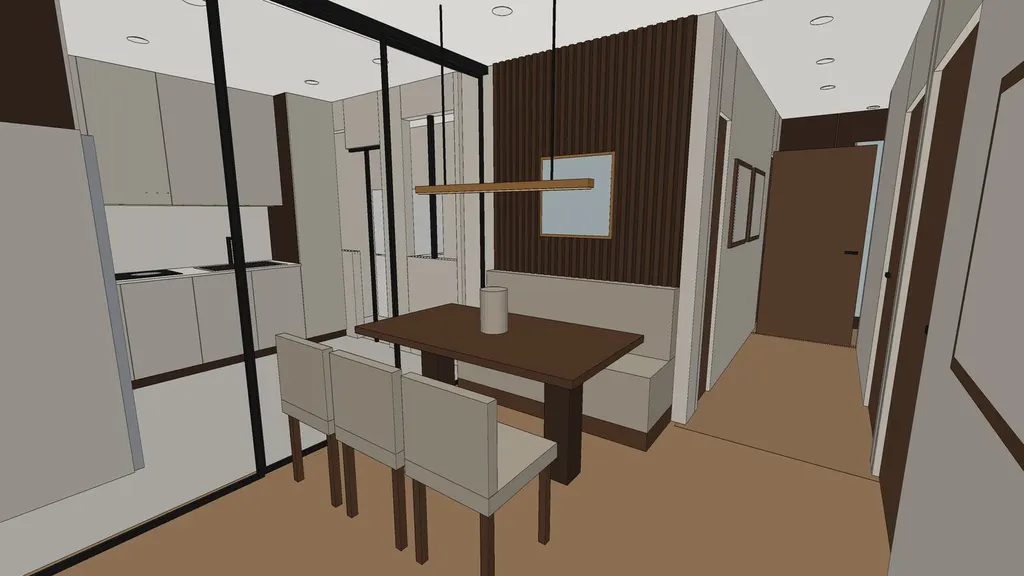
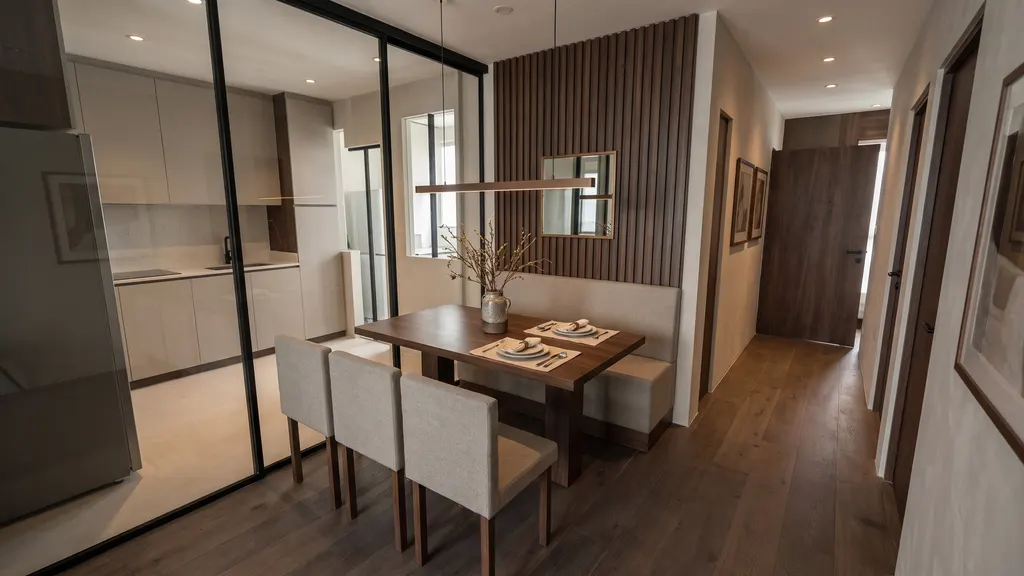
By hand, whatever you draw and render yourself. In a render tool, the views you built. From one IDstudio project, everything for a first client presentation:
- A furnished technical plan with dimension chains, room sizes, downlights, curtain zones, floor finishes and the palette.
- A realistic top-down plan for the client, with the same layout in real materials.
- Your brief checked line by line, plus the assumptions to confirm on site.
- A SketchUp model with a scene for each view, and clay views to check before rendering.
- A photoreal render per view in your theme, each matched to its clay view.
- A client-ready design book PDF, plus a separate brief PDF.
Changes differ too. By hand you redraw, remodel and re-render; in a render tool you edit the model and re-render. In IDstudio you review room by room with a live AI chat for each room, and ask in plain words, sketches or screenshots.
5. Who it's forWho is IDstudio for, and who is it not for?
IDstudio is for interior designers and renovation firms in Singapore who need to show a client a furnished plan and renders of their own home, often before the job is won.
For
Interior design firms and freelance designers working on HDB flats (BTO or resale), condos and landed homes; sales designers who present at the first or second meeting; firms that want more proposals out without more drafting and 3D staff.
Not for
Homeowners looking for a do-it-yourself design app, construction or submission drawings for HDB or BCA, and commercial or office fit-outs. It is a design proposal tool for residential projects.
6. Mixing routesDo I have to choose just one?
No. If you have already drawn a layout, IDstudio keeps it exactly as drawn and builds and renders from it. And because every project comes with a SketchUp .skp file, you can open the model in SketchUp and carry on by hand once the client is interested. AI gets you to the first proposal; your own tools take it the rest of the way.
What does not change is the designer's job. The AI drafts; you decide what is right for this family, this budget and this flat, measure on site and handle the approvals.
Questions designers askProcess, cost and fit, briefly
How long does an interior design proposal take with IDstudio?
IDstudio goes from floor plan to photoreal renders in five steps and less than an hour*. There is an approval gate at each step: you check the furnished plan before the 3D model is built, and the clay views before anything is rendered.
* When left to run through all five steps on its own, without stopping for your review.
How much does IDstudio cost?
After a free trial project (7 days, trial credits worth US$50, no card needed), one plan at a launch price of US$99 (S$129) a month, down from US$149 (S$199), for 6 projects and an estimated 100 renders, cancel anytime. The SketchUp file and the renders are included.
Does IDstudio replace an interior designer?
No. It is built for interior designers: it does the drafting, modelling and rendering so the designer can spend the time on the client and the design decisions. The designer approves every step. It is not a do-it-yourself app for homeowners.
Who is IDstudio not for?
Homeowners looking for a do-it-yourself design app, construction or submission drawings for HDB or BCA, and commercial or office fit-outs. It is a design proposal tool for residential projects.
Try it yourselfWhat would your next proposal look like?
See a finished one, an Ang Mo Kio 4-room HDB, in the open sample project, then start a free trial and run it on your next floor plan: one full project, 7 days, trial credits worth US$50, no card needed.
More on IDstudio for Singapore interior designers. Related: HDB renovation rules every interior designer should design around and what Singapore designers can send clients at the first meeting.
Questions? WhatsApp me or email me.
About the author
Kenneth Phua
Founder, Konverta.ai
Kenneth is a Singapore-based digital, data and AI leader with 15+ years of experience, including senior global roles at Coca-Cola, where he was the Global Head of Digital Strategy and Innovation. He has advised C-suite leaders across FMCG, retail, property, hospitality and luxury, and now applies the same playbook to Singaporean and Asian corporates and SMEs through Konverta.ai.
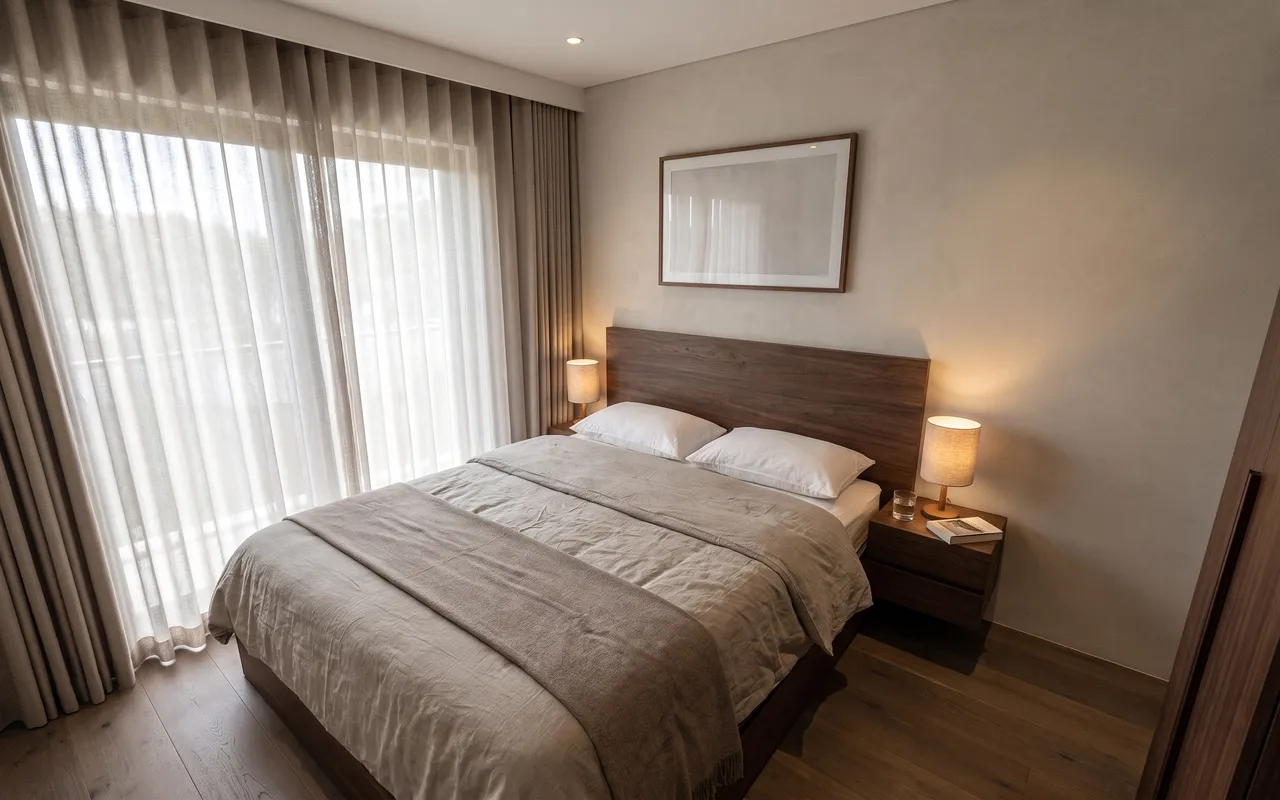
AI interior design proposals: what Singapore designers can send clients at the first meeting
What goes into a first proposal when the plans, a 3D model and renders of every room all come from the client's floor plan.
IDstudio by konverta.ai
Your next proposal, drafted for your review
IDstudio by konverta.ai: AI interior design software that turns a floor plan into a furnished plan, a SketchUp 3D model, photoreal renders and a client design proposal, built for Singapore interior designers.
One full project free: 7 days, trial credits worth US$50, no card needed. More about IDstudio.