
IDstudio · Client presentation renders
Present the client's own home, room by room
Upload the client's floor plan and a short brief. IDstudio gives you a furnished plan, renders of every room in the theme you pick and a design book with your logo, ready for the meeting. You approve each stage.
US$50 of free trial credits · 1 project free for 7 days · No card
Trial credits worth US$50, then US$99 (S$129) a month at the launch price. Private by default: your client's plans and renders stay in your firm's account, behind your sign-in.
Built in Singapore by Konverta.ai with CAsarté Interior, a practising interior design firm. Konverta AI SG Pte. Ltd., UEN 202617286Z.
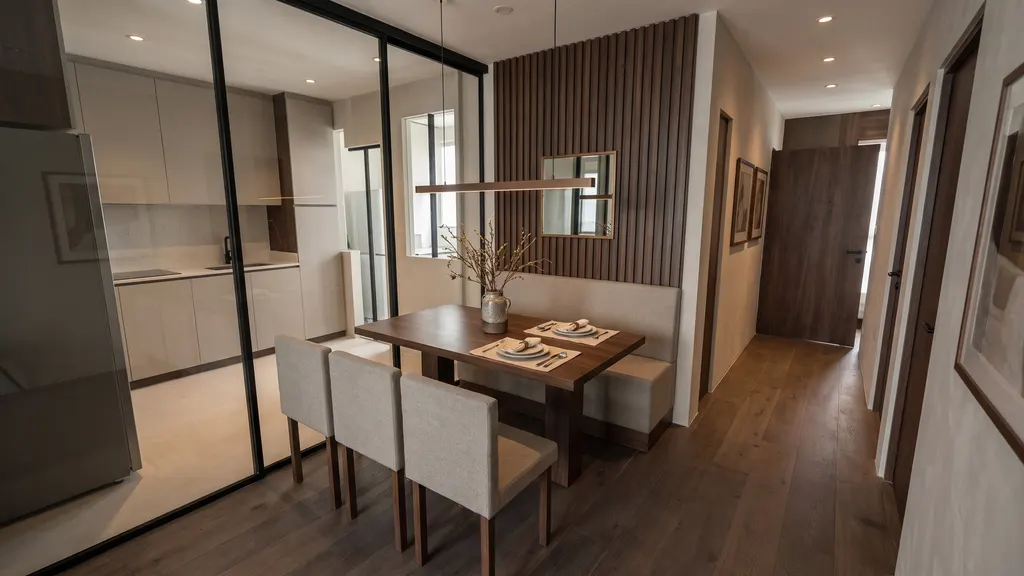
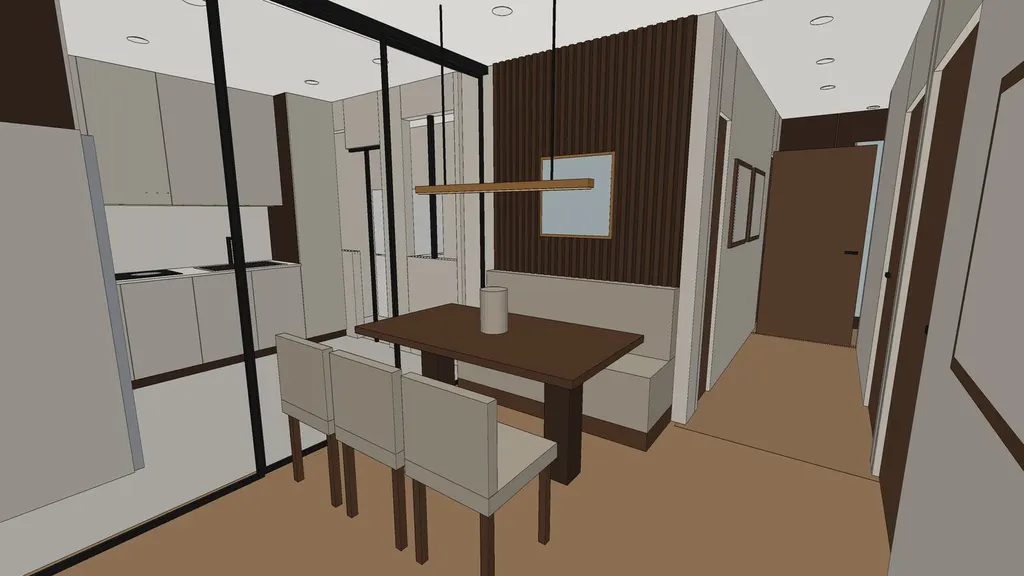 3D clayRender
01 In short
How do I make renders for an interior design client presentation?
Start from the client's own floor plan. IDstudio turns it into a furnished plan, a 3D model and photoreal renders of every room in the style you choose, then puts them in a design book PDF with your logo and the client's name, so you present their home rather than a mood board.
02 A real project
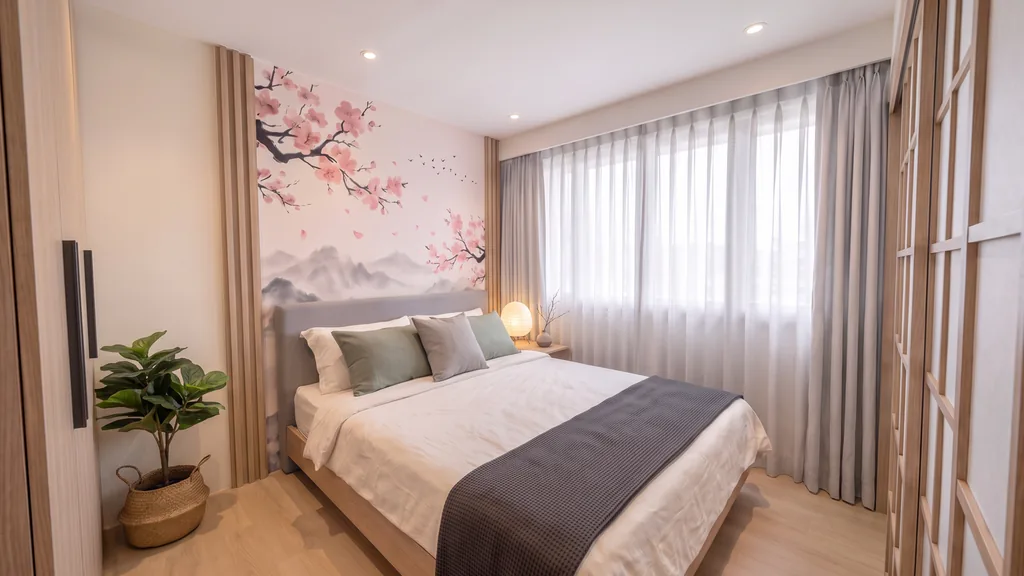
A real project: Japandi 2-room Flexi by Eunice, Ling's Haus
Eunice drew her layout on the HDB floor plan. IDstudio built it as she drew it, made the 3D model and rendered every room, then rebuilt it with her corrections.
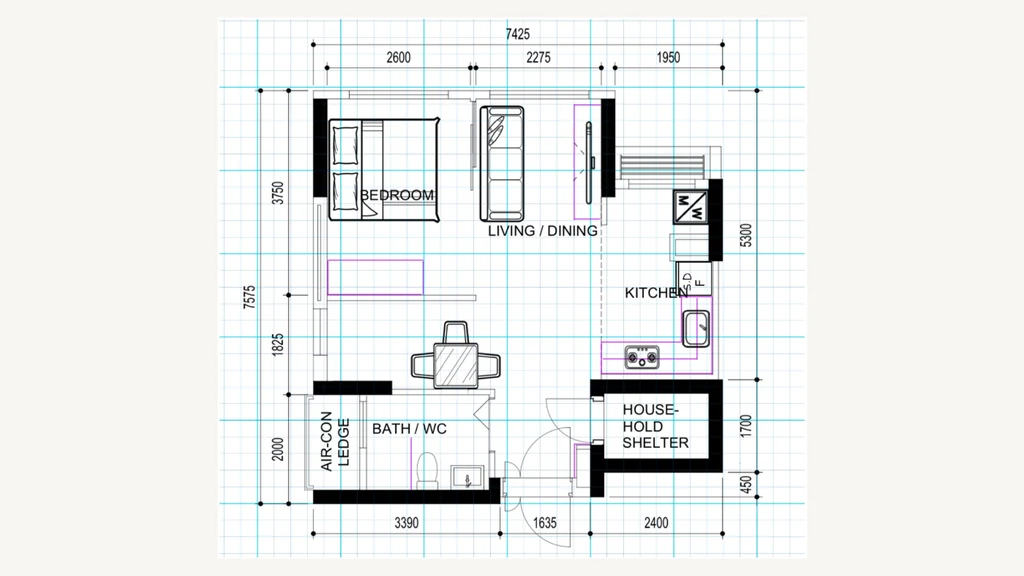
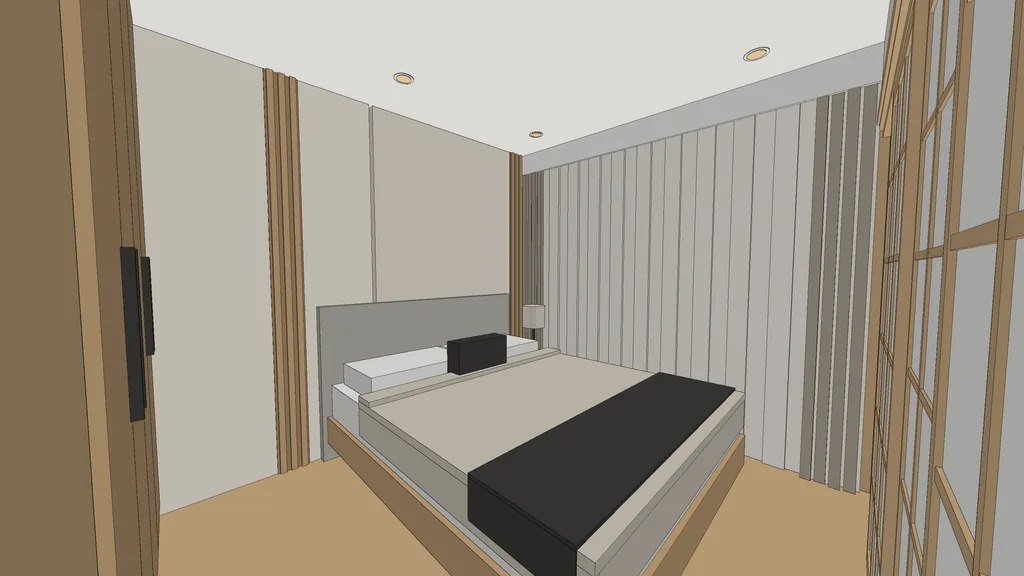
Read the case study · Made with IDstudio.
03 What to show
What should I show the client in the presentation?
Their own home, in this order. IDstudio makes each of these from the one floor plan:
- The furnished plan: a dimensioned technical plan, plus a realistic top-down plan the client can read.
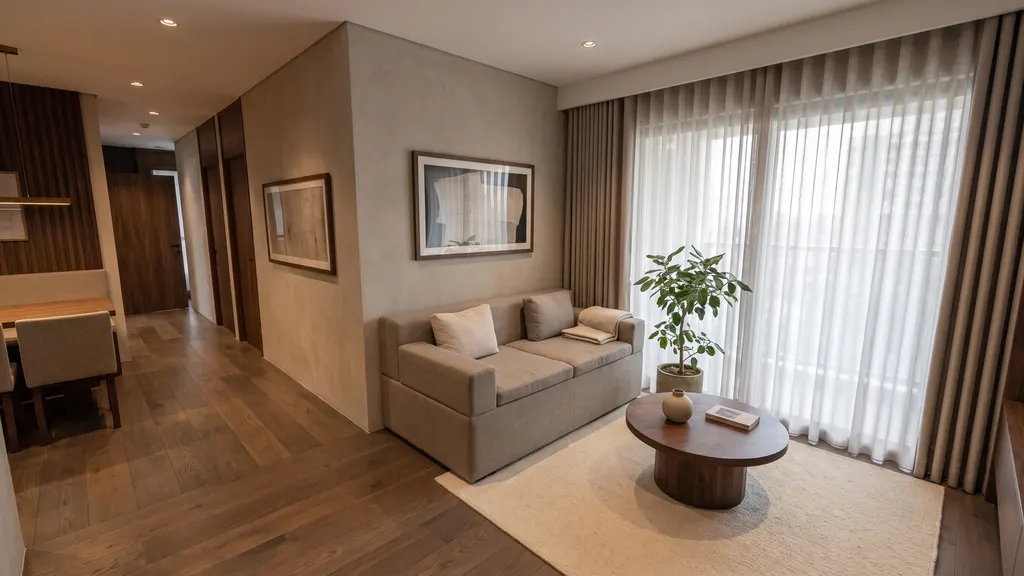
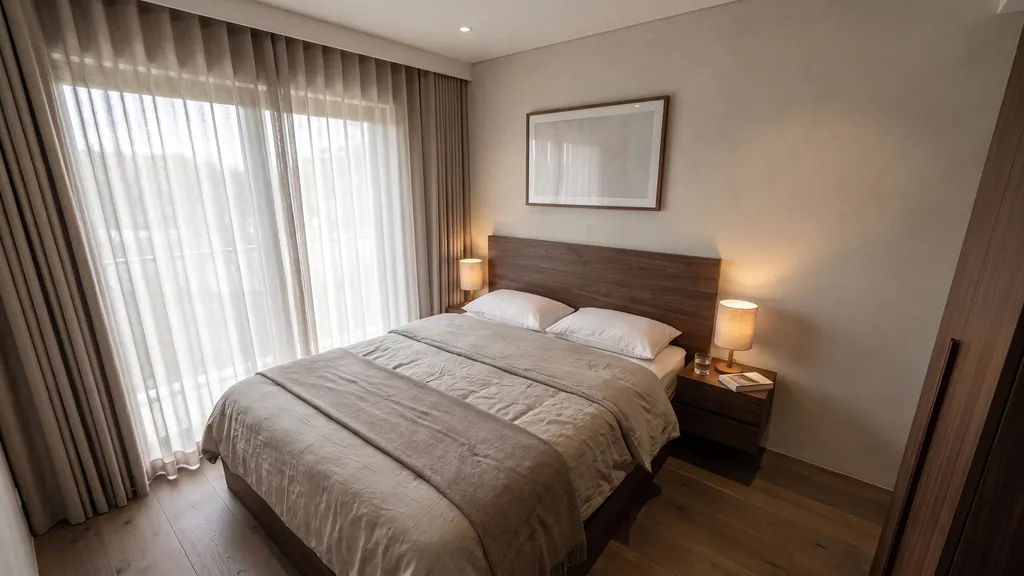
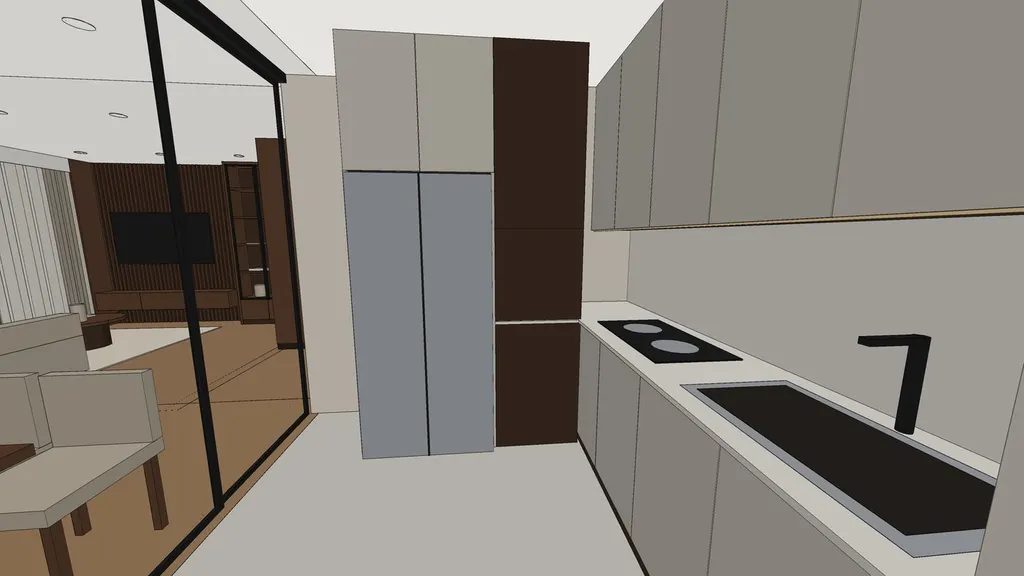
- A render of every room: each made from its clay view of the 3D model, so what the client sees matches the plan.
- The style, chosen with them: eleven themes from Japandi to Art Deco, or your own palette, wall colours and finishes.
- A design book PDF: cover with the client's name and your firm's logo, the plans, each room's render and a next-steps page.
04 In the meeting
What if the client asks for changes in the meeting?
Each room has its own chat: change it in plain words or mark up the view. IDstudio answers each point as done, partly done or not possible, so you know what is a styling change and what is built. You can also pick one of seven photo styles for the final renders, such as Sunlit or Evening lifestyle, and the room stays exactly as approved.
05 Why not stock images
Why show renders of their plan, not a mood board?
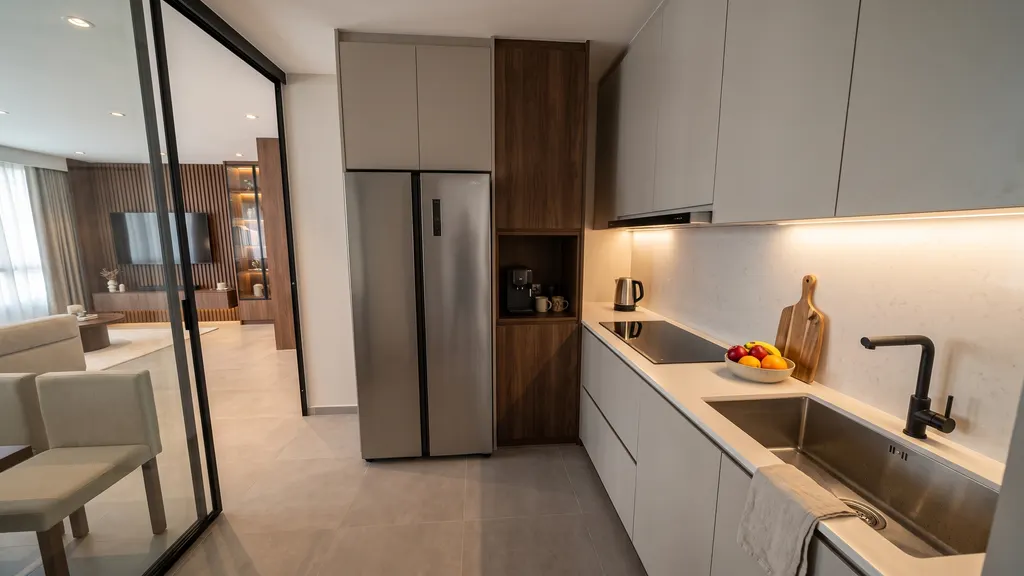
A mood board shows the style; the client still cannot see their own flat. IDstudio renders come from a real 3D model of the client's plan, so the layout, joinery and furniture are theirs, and every room carries the same theme.
06 Why IDstudio
One floor plan, the whole proposal
Every room, one run
A furnished plan, a SketchUp model, renders of every room, a 3D floor plan and a client design book from one floor plan, with an approval gate at each stage.
Built with a Singapore ID firm
Built with CAsarté Interior, a practising interior design firm in Singapore. Works from the HDB sales plan, keeps structural walls and the household shelter as drawn, and lays out to local sizes.
Always the latest AI models
Powered by the latest-generation AI models and continuously updated: you never work on an old model, and there is no separate rendering or SketchUp subscription to manage.
07 Questions
Client presentation renders: questions
How do I make renders for a client presentation?
Upload the client's floor plan to IDstudio with a short brief. It drafts the furnished plan, builds the 3D model and renders every room from its clay view, then assembles a design book. You review each room before the client sees it.
Can I show renders before the client signs?
Yes, that is what it is built for: showing a client their own floor plan as a furnished plan and renders of every room, often before the job is won. See the sample project.
Are AI renders good enough to present to a client?
For a first presentation, yes. Each render is made from its clay view of the 3D model, so it matches the plan, and you review every room first. The open sample project shows real output, including what is off.
Can I show the client a different style?
Choose from eleven themes, or set your own palette and finishes. The final renders can also use seven photo styles, which change only the light, time of day and colour grade. See the themes.
What if the client wants changes after the meeting?
Make them in the room's own chat, in plain words or as a mark-up on the view, then generate the design book again.
Can I put my firm's logo on the presentation?
Yes. The design book PDF has a cover with the client's name and your firm's logo.
How long does it take?
In five steps and less than an hour. When left to run through all five steps on its own, without stopping for your review. You approve the furnished plan, the 3D model, the renders, the photo style and the design book, and each stage waits for you.
How much does it cost?
US$99 (S$129) a month at the launch price, down from US$149, for 6 projects and an estimated 100 renders, cancel anytime. The 7-day free trial is one full project with no card: floor plan to furnished layout, 3D model and SketchUp file, and up to 4 renders (trial credits worth US$50). Start the free trial.
More ways designers use IDstudio
- IDstudio: the AI interior design tool for interior designers
- Floor plan to SketchUp
- HDB and BTO 3D design
- 2D floor plan to 3D renders
- AI rendering for interior designers
- Interior design proposal software
- AI tools for interior design
- Fast renders for proposals
- PDF floor plan to 3D model
- 11 interior design themes
- IDstudio guides
- AI interior design proposals: what Singapore designers can show at the first meeting
- How AI turns an HDB floor plan into a design proposal
Updated
Try it on your next floor plan
IDstudio by konverta.ai is an AI tool for interior designers that turns a floor plan into a furnished layout, a 3D SketchUp model, photoreal renders and a client-ready design book. It was built with CAsarté Interior, a practising interior design firm in Singapore, and works for HDB, condo and landed homes. One full project free: 7 days, trial credits worth US$50, no card needed.
US$50 of free trial credits · 1 project free for 7 days · No card
Private by default: your client's plans and renders stay in your firm's account, behind your sign-in.